Warning: Undefined variable $query_editor in /home/xs715986/grits-osaka.com/public_html/testing-site/wp-content/themes/grits_theme/content-page.php on line 3
Warning: Undefined variable $query_editor in /home/xs715986/grits-osaka.com/public_html/testing-site/wp-content/themes/grits_theme/content-page.php on line 4
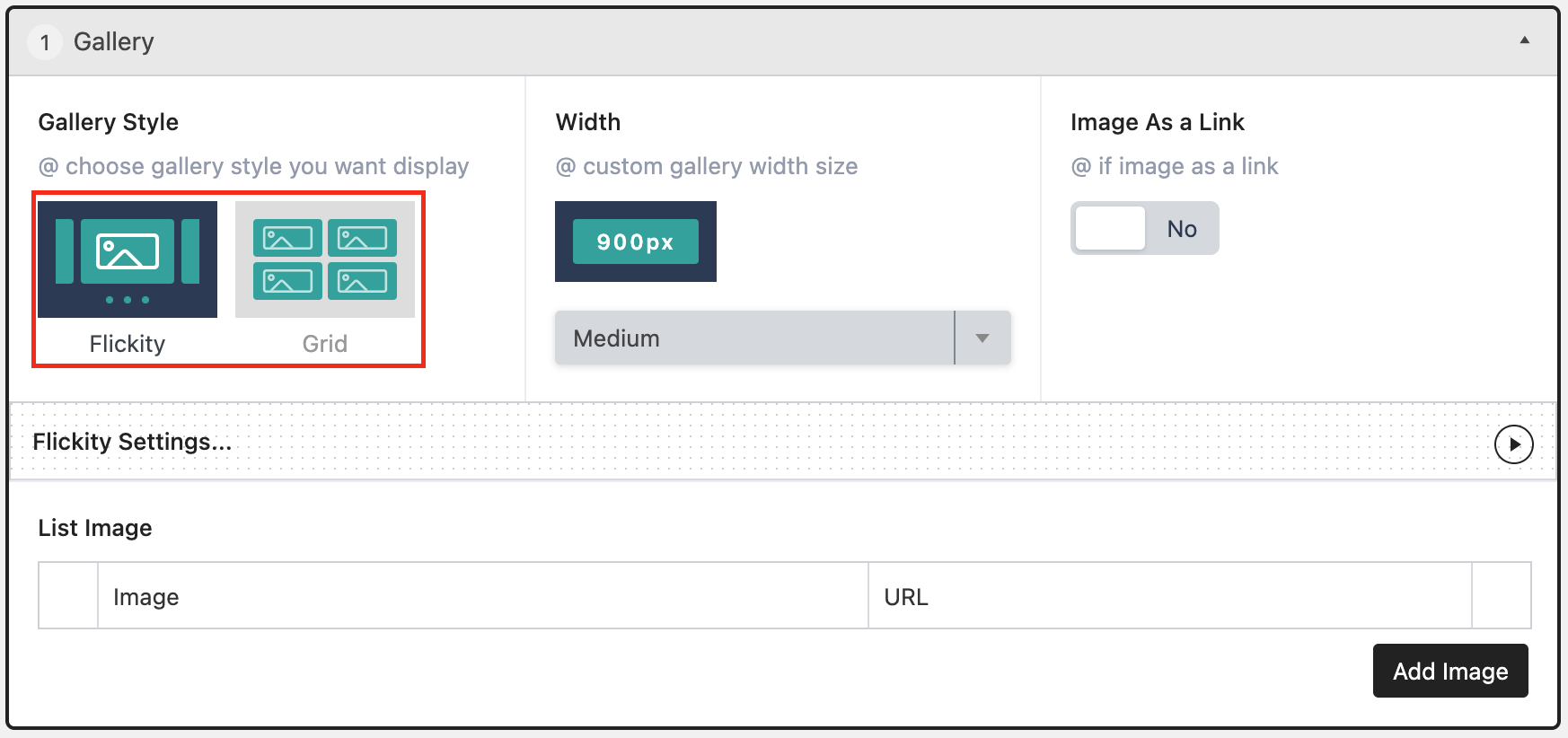
Grid
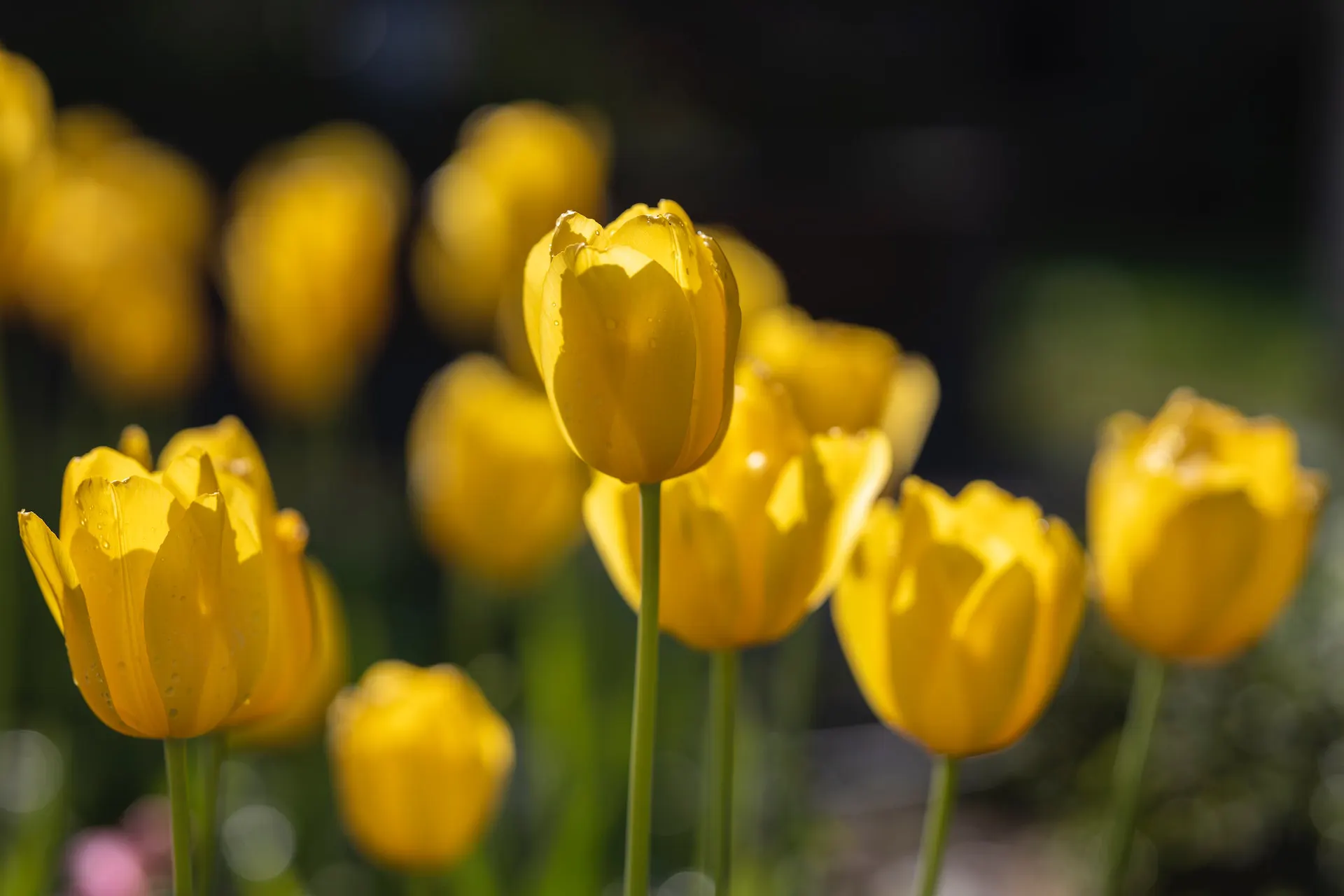
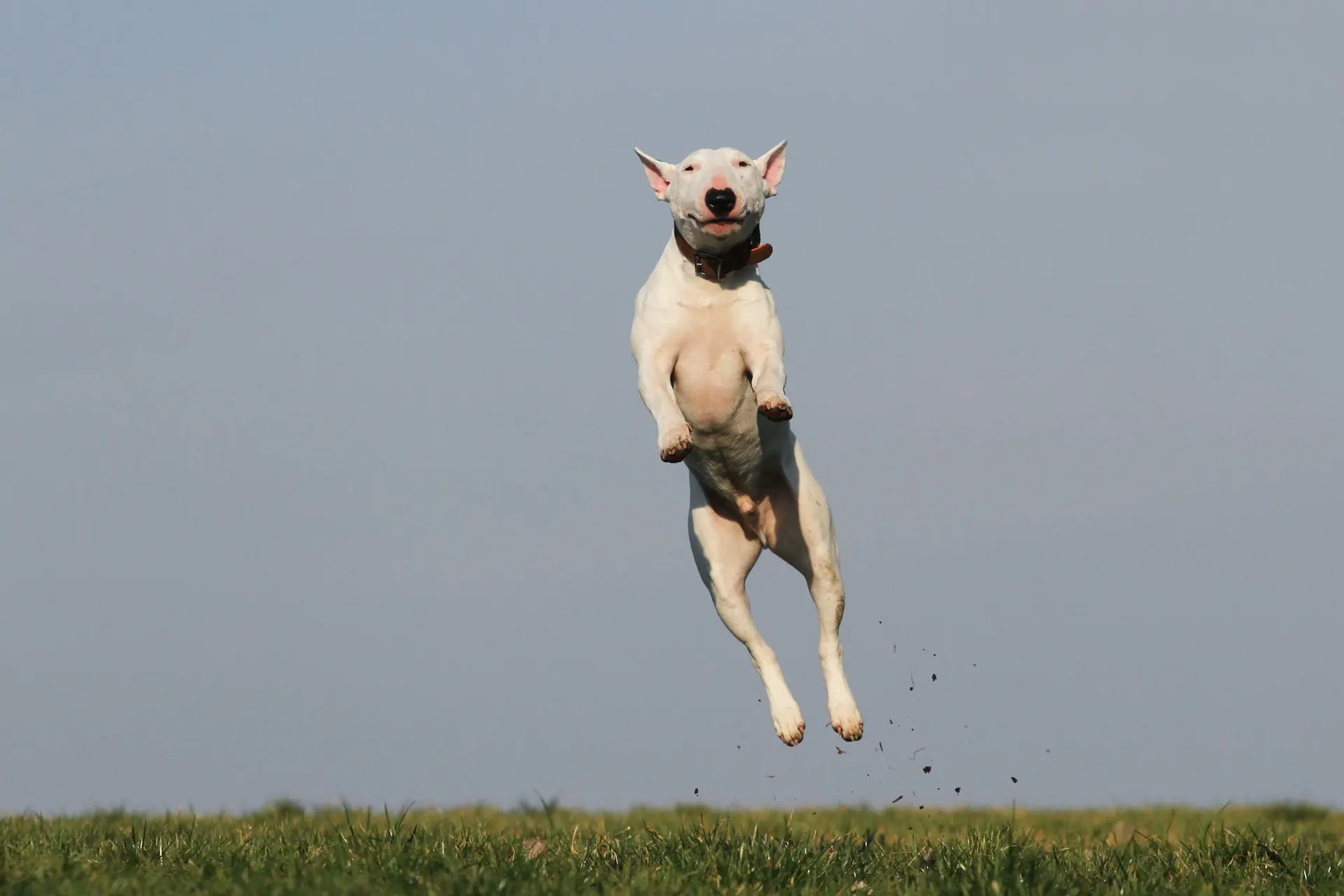
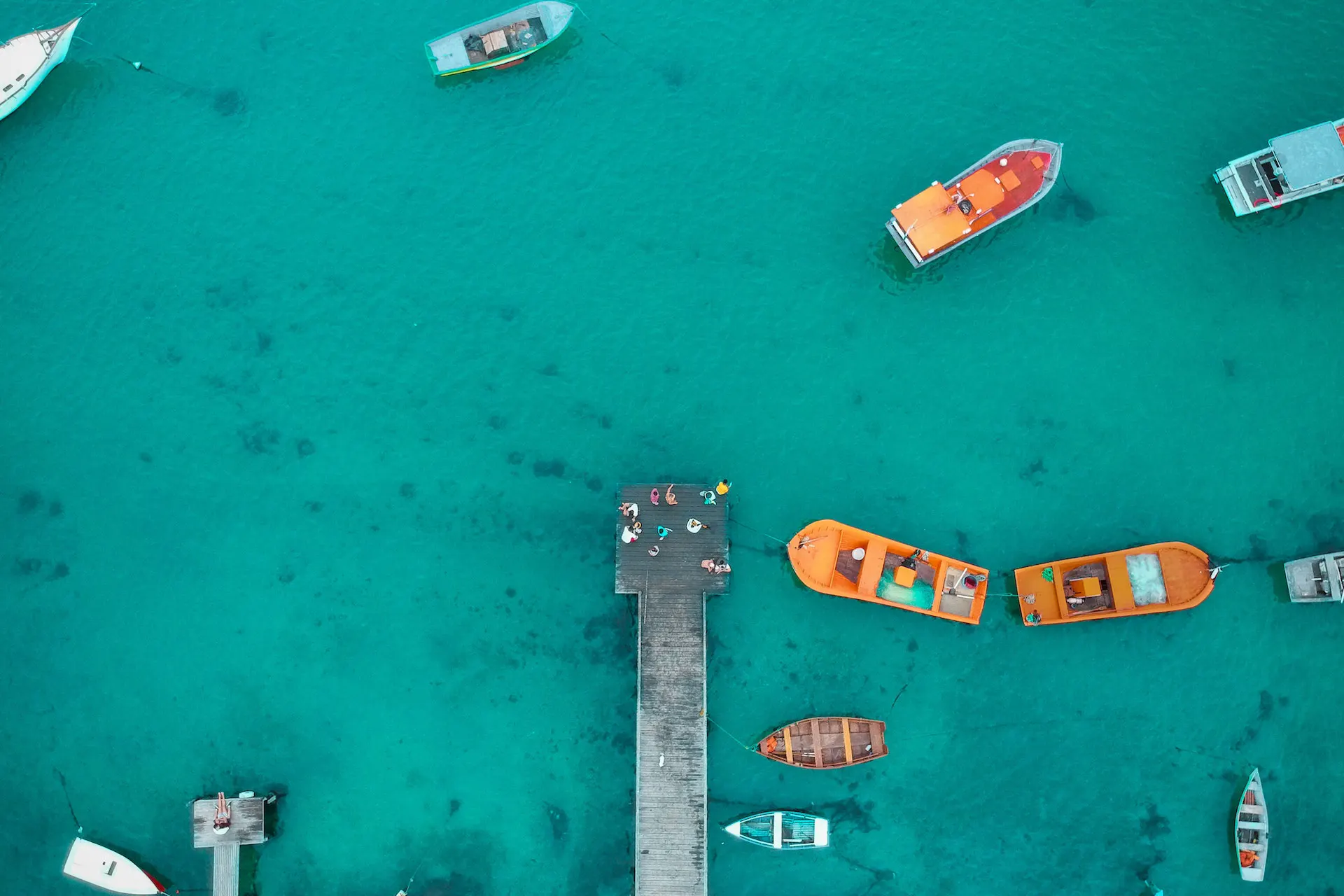

テキストテキストテキストテキストテキストテキストテキストトテキストトテキストトテキストトテキストトテ...
Grid Setting
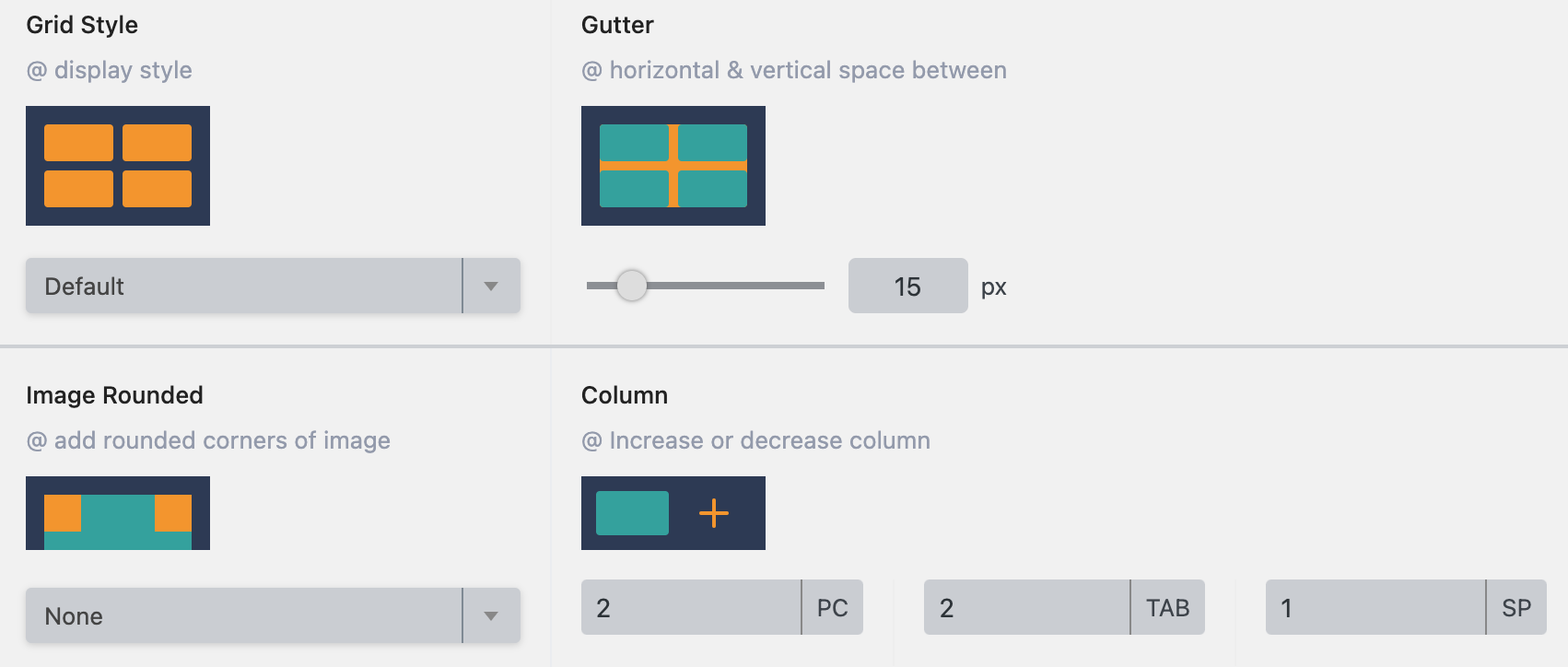
Grid Style : 表示スタイルを選択してください。
Gutter : 画像間の余白
Image Rounded : 画像を丸める
Column : 各デバイスで表示される列数。
PC:コンピューター
TAB:タブレット
SP:スマートフォン
いくつかの例 :
Default Style
テキストテキストテキストテキストテキストテキス...
テキストテキストテキストテキストテキストテキス...
Style 1
テキストテキストテキストテキストテキストテキストテキストトテキストトテキストトテキストトテキストトテ...
テキストテキストテキストテキストテキストテキストテキストトテキストトテキストトテキストトテキストトテ...
Caption Image
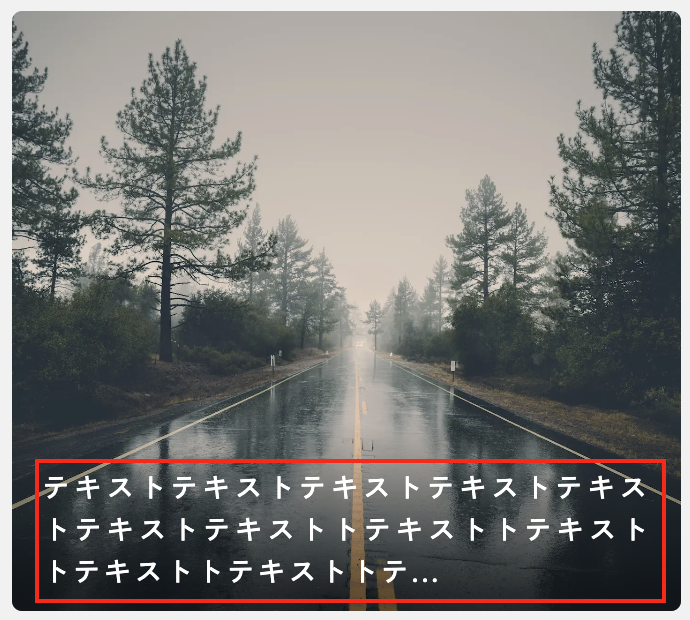
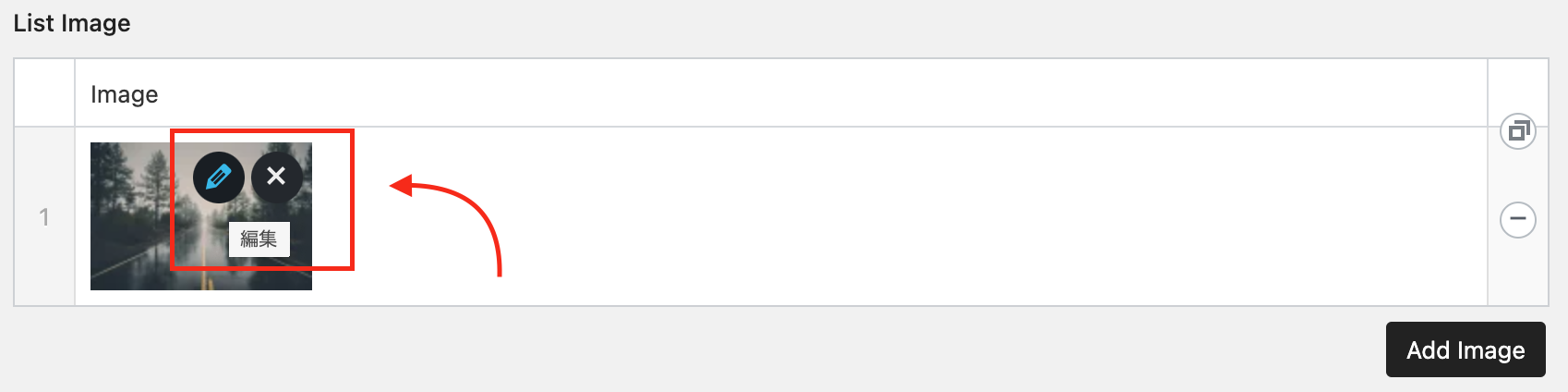
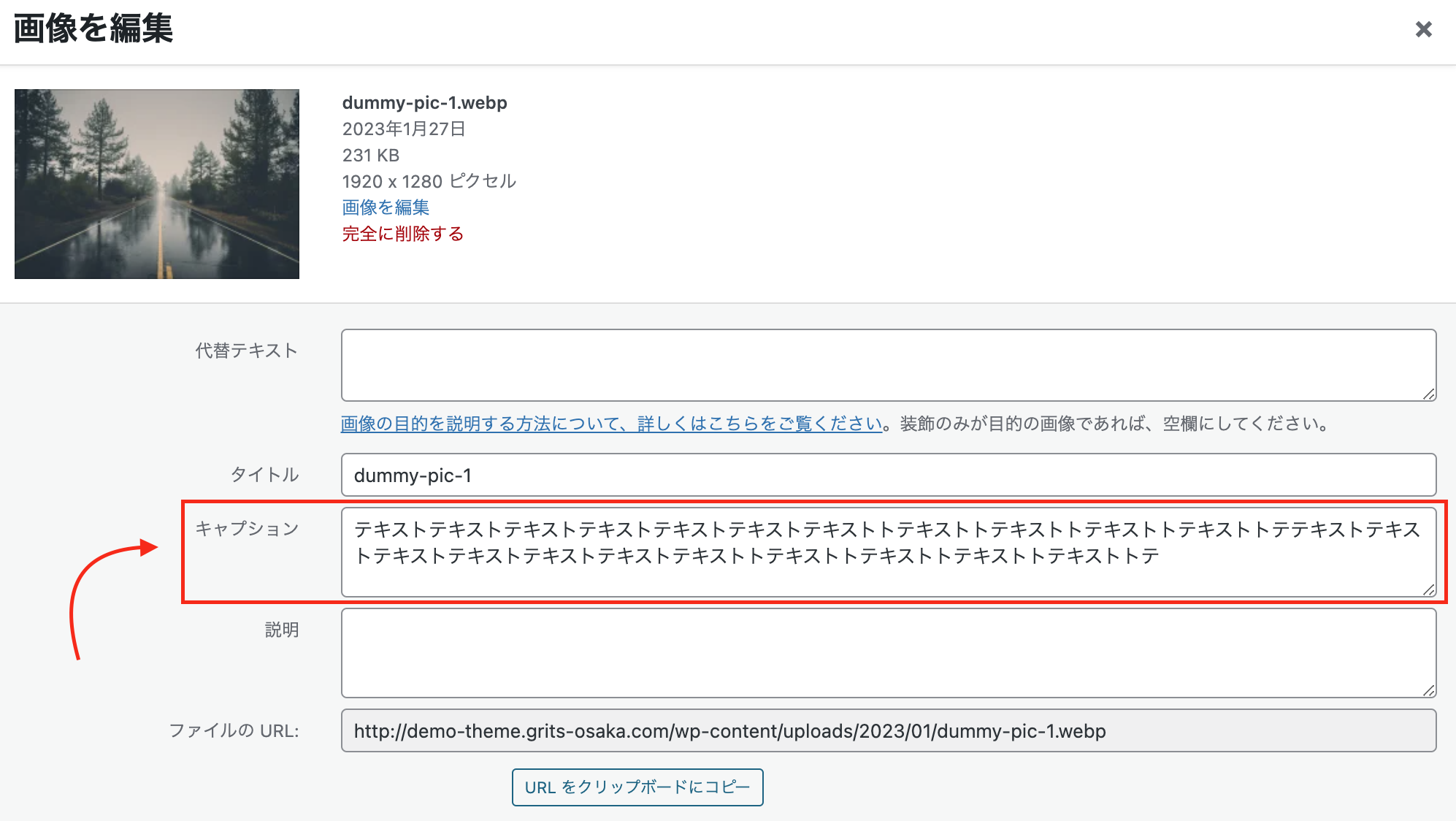
画像にキャプションを追加するには、画像をクリックして編集を選択し、画像編集ウィンドウが表示されたら、キャプション行に表示するテキストを追加し、完了するために保存を選択してください。
画像にリンクを追加方法
画像にリンクを追加するには、「Image As a Link」をONにしてください。 この操作により、List ImageにURL列が追加され、各画像にリンクを追加できます。
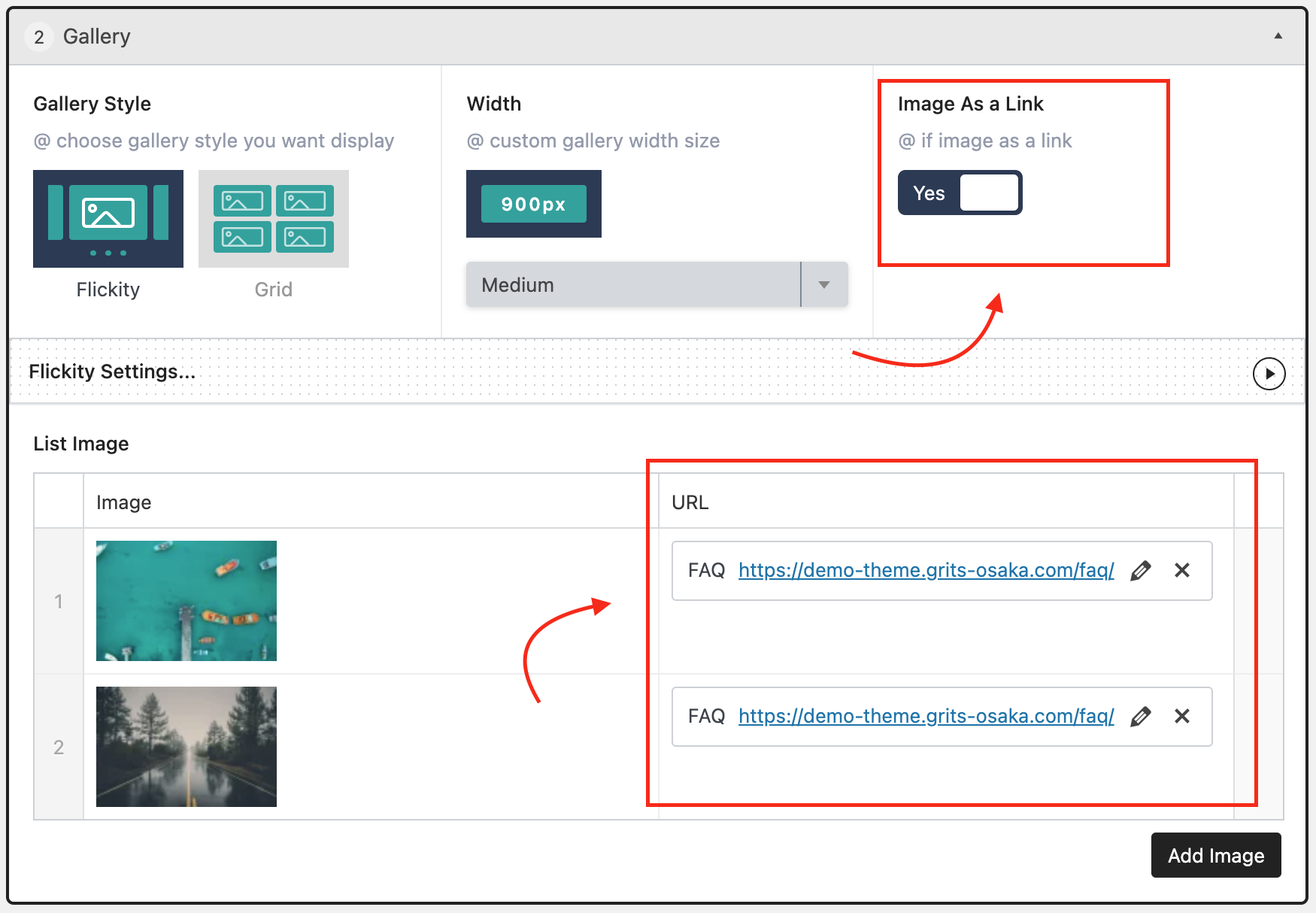
例:
Warning: Undefined variable $query_editor in /home/xs715986/grits-osaka.com/public_html/testing-site/wp-content/themes/grits_theme/content-page.php on line 4